Change settings in the app
Open the gear in the app header to change everyday Kenn Forge behavior. The menu groups related settings and includes a search box for jumping straight to a category.
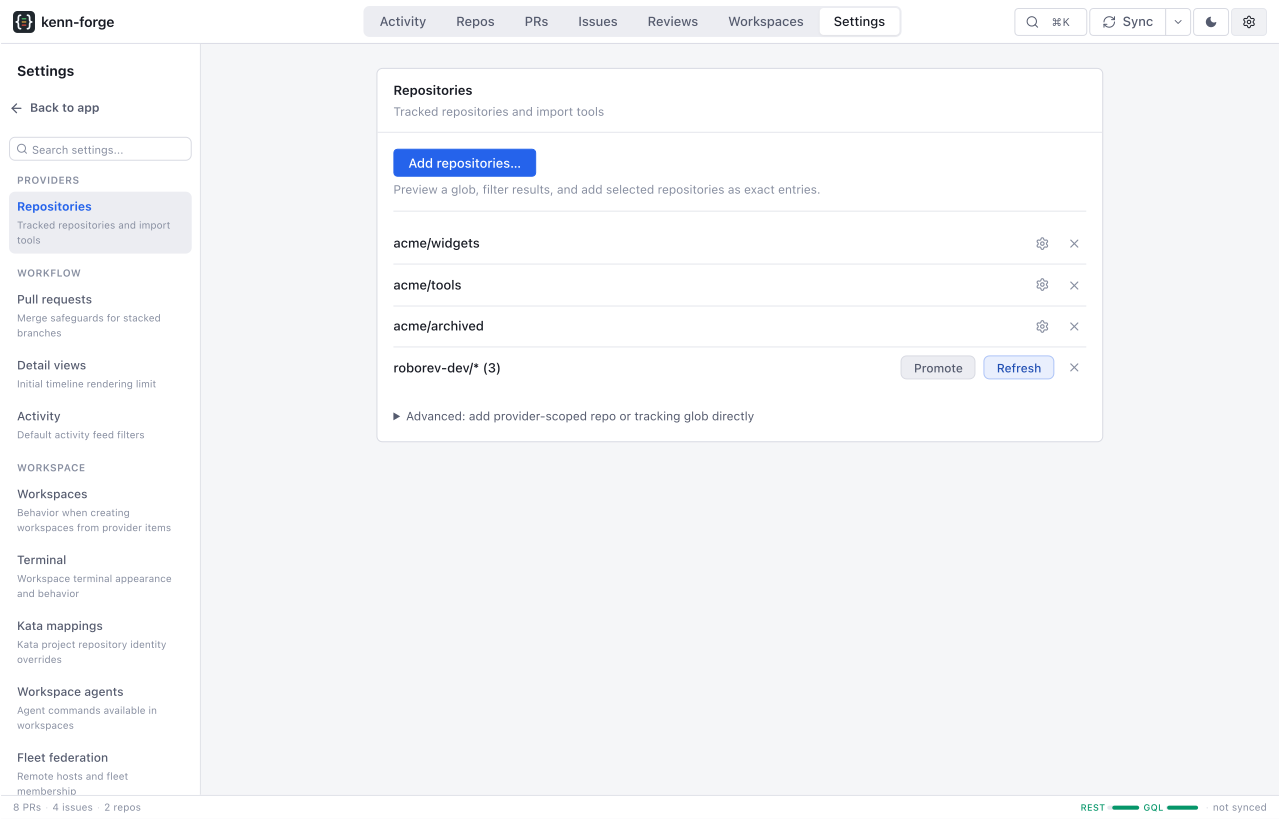
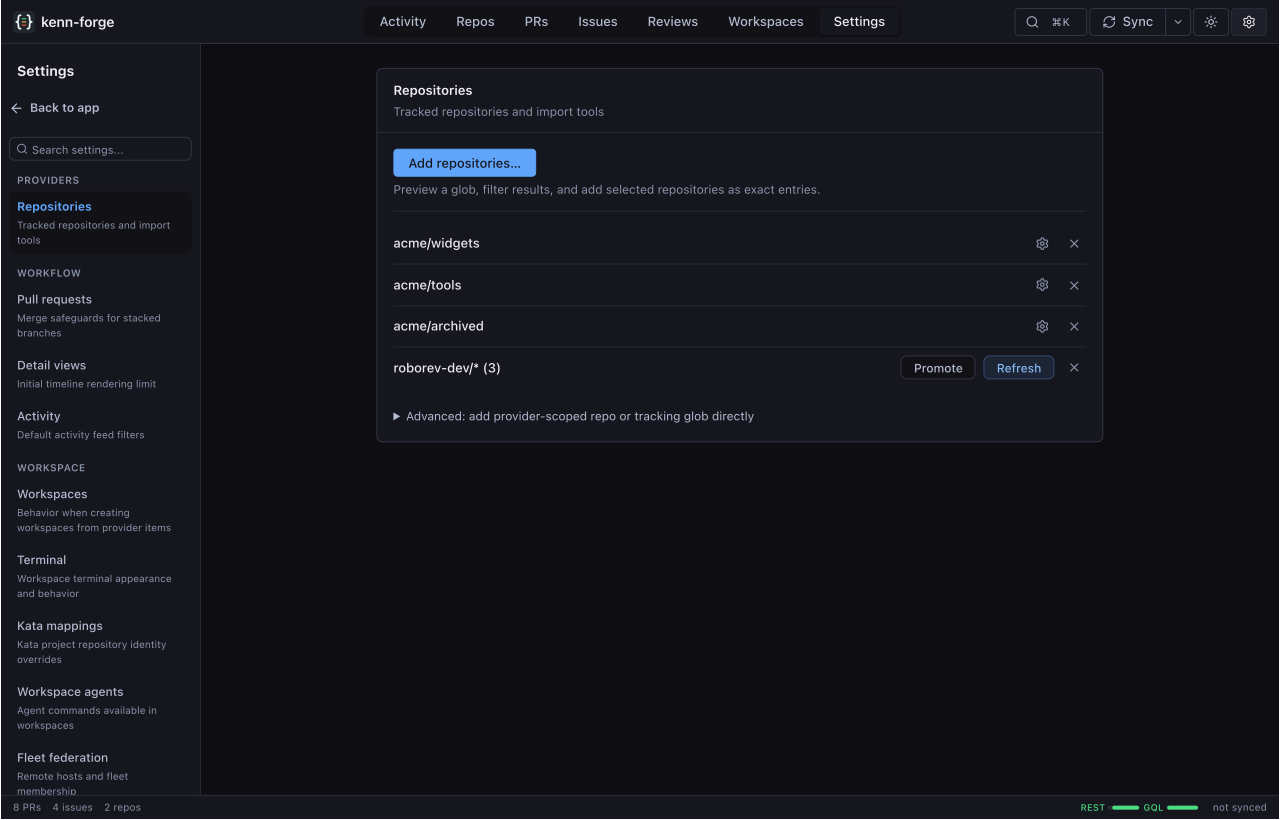
What you can change
| Category | What it controls |
|---|---|
| Repositories | Import repositories, refresh tracking globs, choose local clones, and hide repositories from the app. |
| Sync | Pause automatic background sync with airplane mode. Relay updates, item visits, and manual Sync remain available. |
| Pull requests | Choose whether Forge may merge a pull request from the middle of a detected stack. |
| Detail views and Activity | Set the initial timeline size and the defaults used when Activity opens. |
| Workspaces | Choose workspace creation behavior, optional Roborev initialization for managed clones, the default right sidebar, ACP fonts, and terminal appearance and retention. |
| Kata mappings | Override the repository matched to a Kata project. |
| Workspace agents | Enable agents and edit the command and arguments used to launch each one. |
| Fleet federation | Connect remote Forge hosts and control which sessions they share. |
| Visible modes | Choose which pages appear in the app header. |
Forms save from the panel where you make the change. You can move between categories without discarding an unfinished form. Repository actions such as add, refresh, and remove run when you confirm the action.
Pause automatic sync
Enable Sync → Airplane mode to pause automatic background sync after any running update finishes. Relay updates, opening an item, and manual Sync still work. Click airplane mode in the status bar to return to its setting.
Airplane mode is off by default and remembered across restarts. It applies to the Forge instance you are viewing. A fleet spoke pauses its local background refresh; its hub has a separate setting. See Airplane mode for the configuration-file option.
ACP fonts
Under Workspaces → ACP, choose a font family and size for all ACP harnesses. The font must be installed on the machine running your browser. Leave the family blank to use the app's default fonts. Terminal appearance has separate settings.
Changes apply to open ACP chats and persist in config.toml:
When to edit the configuration file
Settings does not store provider credentials. Use Configuration for credentials and for options that do not have an app control, including the Roborev endpoint, tmux command, and Docs folders.