Quick start
Install Kenn Forge, connect a code forge, and open your first workspace.
Install a release
Download the archive for your system below or browse
GitHub Releases. Each release
also includes SHA256SUMS.
| System | Architecture | Archive |
|---|---|---|
| Linux | x86-64 | forge_<version>_linux_amd64.tar.gz |
| Linux | ARM64 | forge_<version>_linux_arm64.tar.gz |
| macOS | Intel | forge_<version>_darwin_amd64.tar.gz |
| macOS | Apple silicon | forge_<version>_darwin_arm64.tar.gz |
| Windows | x86-64 | forge_<version>_windows_amd64.zip |
Verify the downloaded archive against SHA256SUMS.
Linux:
macOS:
shasum -a 256 forge_<version>_darwin_<arch>.tar.gz
grep 'forge_<version>_darwin_<arch>.tar.gz' SHA256SUMS
Windows PowerShell:
Get-FileHash .\forge_<version>_windows_amd64.zip -Algorithm SHA256
Select-String -Path .\SHA256SUMS -Pattern 'forge_<version>_windows_amd64.zip'
Compare the printed SHA-256 values before extracting the archive.
Extract the archive. Move kenn-forge or kenn-forge.exe to a directory on
your PATH.
If the Releases page has no published version, build from source.
Build from source
Source builds require Go 1.27+ and Bun.
The build embeds the frontend in ./kenn-forge. Run make install to install
an optimized binary.
Start Forge
The commands below assume kenn-forge is on PATH. After make build, use
./kenn-forge instead or run make install.
GitHub users get the shortest setup path with an authenticated GitHub CLI:
Use kenn-forge serve instead when you want foreground logs for development or
diagnosis.
Open http://127.0.0.1:8091. Forge creates
~/.kenn/forge/config.toml on first run.
Complete first-run setup
The setup flow leads to a synced pull request and, on a host with Git and tmux, a working local workspace:
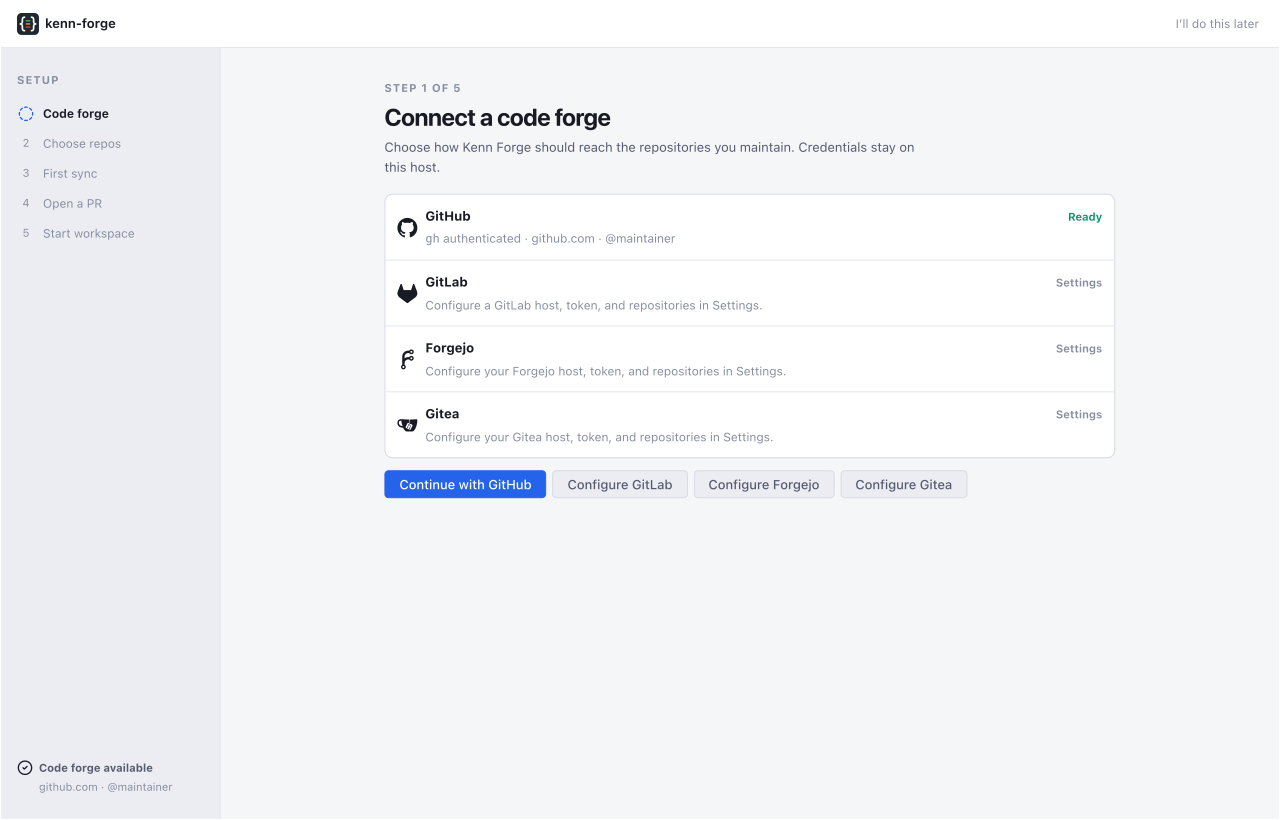
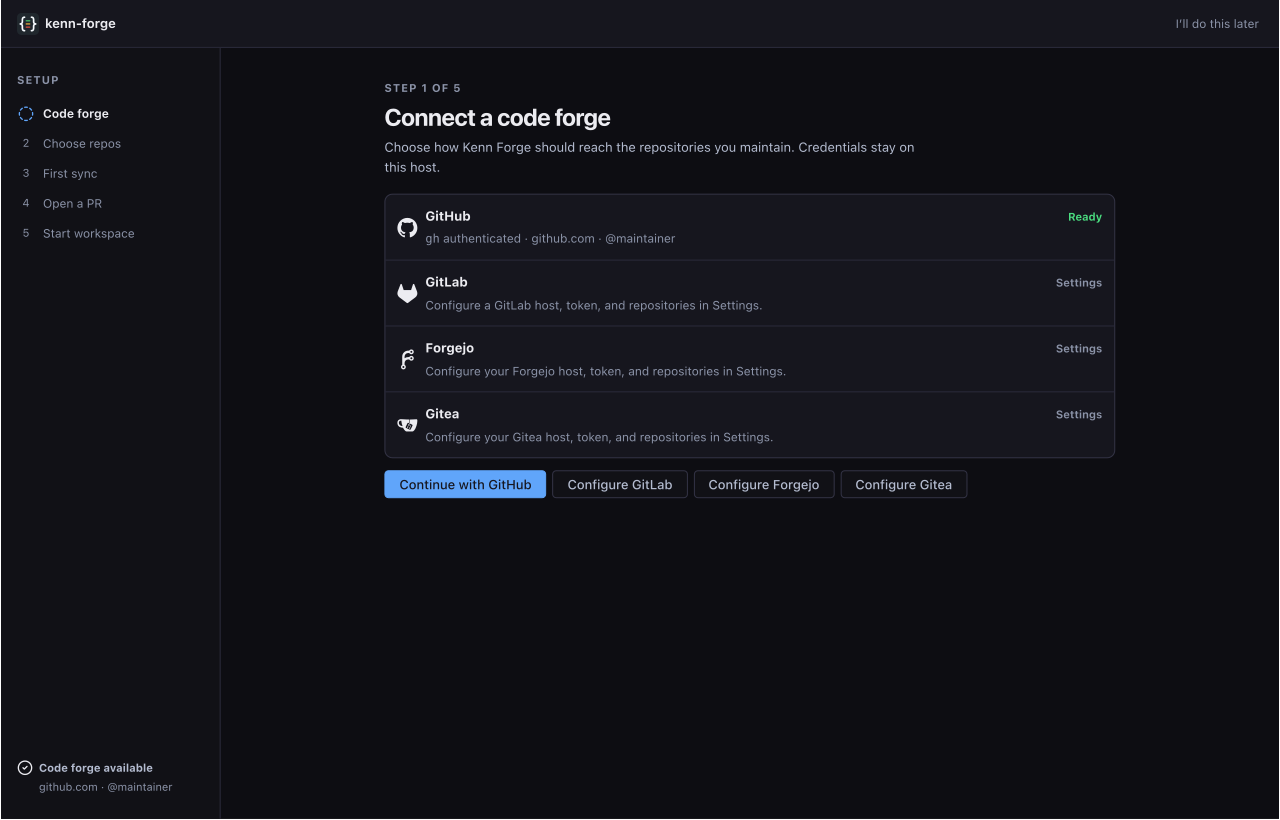
- Connect a code forge. Continue with an authenticated GitHub CLI, or open Settings for another provider or host.
- Choose repositories. GitHub users can select discovered repositories. Other providers use the Repositories panel in Settings.
- Run the first sync. Forge loads pull requests, issues, and activity for the configured repositories.
- Open a pull request. Choose an open item from the synced list.
- Start a workspace. Create a local worktree and open its working session.
You can leave setup and return later. Forge resumes unfinished setup after you return to a provider view.
If GitHub discovery cannot find what you need, open Settings → Repositories. For another provider, choose its host and repository pattern there after its credential is available to the daemon.
The Windows release supports the dashboard and provider actions. Local workspace sessions require Git and tmux on a Unix-like host. Use WSL or a remote Unix-like Forge host for that step.
Use the main views
- Activity: scan recent cross-repository changes.
- Pulls: review discussion, diffs, CI, and merge state.
- Issues: triage, comment, change state, or create a workspace.
- Repos: browse configured source, refs, and file history.
- Workspaces: open local shells and configured agents.
- Worklists: work through agent-ranked pull requests and issues.
- Docs: read and edit registered Markdown folders.
- Settings: manage repositories, agents, modes, and app preferences.
Press ? to see shortcuts for the current view.
On a phone, open /m for Activity, Pulls, Issues, and Workspaces in a
touch-first layout. Docs and Kata-linked task detail remain desktop-first.
Advanced credential setup
Most GitHub users do not need this section. Use it when the GitHub CLI is not available, or when you connect another provider or host.
To provide a GitHub token directly:
In PowerShell:
For another provider or host, set its token environment variable before
starting. To use token_env or token_file, start once to create
~/.kenn/forge/config.toml, edit it, then restart. Settings chooses provider
hosts and repository patterns, but it does not store credentials. See
Configuration.
Connect optional integrations
Docs is hidden until you register a local Markdown folder:
Open Reviews in a pull request's workspace panel or a local workspace to
connect to a Roborev daemon. The default endpoint is http://127.0.0.1:7373.
Kata has no top-level mode. Once Forge finds a Kata daemon in
$KATA_HOME/config.toml or ~/.kata/config.toml, you can link Kata issues from
pull requests, provider issues, and local workspaces. Remote fleet workspaces
do not show Kata controls. You can also choose a Kata issue in the New
workspace dialog.
See Integrations for Roborev endpoints, Kata repository mappings, and Docs folder bindings.
Continue with daily workflows or the configuration reference.